Calibrate

Go Back to List of FAQs  Previous  Next
 

Godex G500 and G300 Barcode printer calibration


When it's calibrated, the printer will feed precisely one tag for each press of the feed button, and does *not* result in error lights.


Don't attempt to print tags from Shopkeeper or adjust Shopkeeper tag layouts unless the printer

appears calibrated and if the printer keeps showing error lights (often red).


We don't sell and service tag printers, but we have seen these instructions.


Here is a video from Godex for Godex 500 (probably same steps for G300) for the Quick Calibration for this printer

https://www.youtube.com/watch?v=hKt1ihqIu38


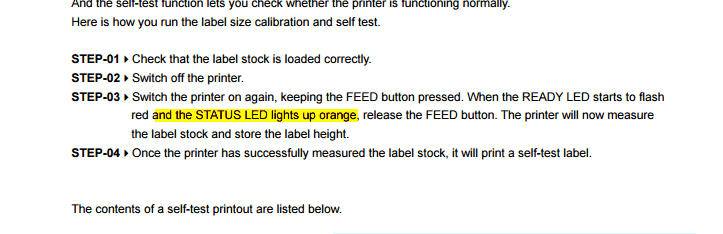
In written steps:


*) Turn off printer


*) Verify that the sensor is positioned under a printed part of the tag

  (not under the tail of a tail tag, nor under the think shank of a barbell tag)


*) Press the feed button and keep pressing it until a later step below


*) Power on the printer ( ensuring that the feed button has not been released yet)


*) Wait until the light flashes red


*) Release the Feed button


*) The printer will feed some tags as it measures their density


*) The printer will print some status text (Which is probably hard to read on jewelry tags)


*) To test if this was successful, press the feed tags a few times.

  Each press should feed *precisely* one tag and the status light should become green afterwards.


*) If not, do *not* try to print tags from Shopkeeper, but try the calibration again.


*) If the printer will not self calibrate, ask the printer vendor or the printer manufacturer.


*) Don't ask either of those for tips on Shopkeeper, just ask for help on getting the printer

  to feed exactly one tag per press of Feed - every time.


Vendor: Arch Crown   (but only call them if you actually bought your printer through them)

1-973-731-6300

1-800-526-8353


Manufacturer:  

1-805 987 5100

1-805 987 5115

infoGA@godexintl.com

techsupportGA@godexintl.com Tech email


clip0564